CPM
Free on Web & App
Cost Per Thousand Impressions
Calculate the cost per 1,000 ad impressions across programmatic display, paid social, connected TV, out-of-home, and audio campaigns.
CPM
=
Total Cost
Total Impressions
×
1,000
Stop hunting through broken spreadsheet tabs mid-meeting. Calculate CPM, ROAS, CPA, CPC, CTR, Conversion Rate, CLTV, CAC, vCPM, GRP, TRP, and 15+ more metrics with live stacked mathematical formulas.
Every calculator below includes an interactive browser tool, reverse-solve modes for every input variable, stacked formulas, worked media buying examples, and FAQs.
Measure what you pay for every thousand impressions, click, view, lead, or completed customer acquisition across paid channels.
Calculate the cost per 1,000 ad impressions across programmatic display, paid social, connected TV, out-of-home, and audio campaigns.
Measure the exact media cost required to generate one completed conversion, purchase, sign-up, or target customer action.
Calculate the average price paid for each click on your search, social, shopping, or display advertisements.
Determine the actual cost paid for every viewer who watches your video ad all the way to 100% completion.
Calculate the exact advertising spend required to capture a new marketing or sales lead.
Measure the average cost paid each time a viewer watches your video advertisement past the platform view threshold.
Normalise publisher ad revenue or performance media spend into an equivalent value per 1,000 impressions.
Calculate the true cost per 1,000 impressions that were actually seen on screen according to viewability standards.
Track how effectively audiences click, watch, interact, view, and convert once your media placements are delivered.
Measure the percentage of ad impressions that generate a click to your landing page or app destination.
Calculate the percentage of clicks or landing page visitors that complete a desired conversion goal.
Measure the percentage of impressions that trigger active audience interactions such as likes, shares, comments, saves, or clicks.
Calculate the percentage of initiated video plays that viewers watch all the way to 100% completion.
Calculate the percentage of visitors who leave your landing page without clicking further or triggering an engagement event.
Measure the percentage of served ad impressions that actually appeared in the user's viewable screen area.
Connect campaign spend to top-line revenue, return on investment, customer acquisition cost, lifetime value, and retention.
Measure the gross revenue generated for every dollar invested in advertising spend.
Calculate the net profit return generated by an investment relative to its total cost.
Estimate the total revenue a single customer generates across their entire relationship with your business.
Calculate the total marketing and sales investment required to win one new paying customer.
Calculate the average revenue generated per active user, subscriber, or account over a defined period.
Calculate the percentage of customers or subscribers who cancel or stop purchasing over a given period.
Forecast reach, frequency, GRP/TRP rating points, click volume, conversions, and available search inventory before committing budget.
Calculate the average number of times each reached person saw your advertisement during a campaign.
Quantify total campaign weight by multiplying the percentage of the total population reached by average exposure frequency.
Measure the media weight delivered specifically within your target demographic audience (TRP / TARP).
Forecast the exact number of clicks a media schedule will generate from planned impressions and expected CTR.
Project the total number of conversions, orders, or leads that a given volume of clicks will produce.
Calculate the total eligible search market impressions available in your keyword auctions using Impression Share.
Calculate the media cost required to buy a single Target Audience Rating Point (TARP / TRP) in broadcast TV, radio, or cinema.
No calculators matched that search term. Try searching for CPM, ROAS, CPA, CTR, or CLTV.
Rebuilt from the ground up with native stacked mathematical expressions, live unit formatting, split-screen adaptive postures for iPhone, iPad, and iPhone Duo, and six custom Liquid Glass app icons.
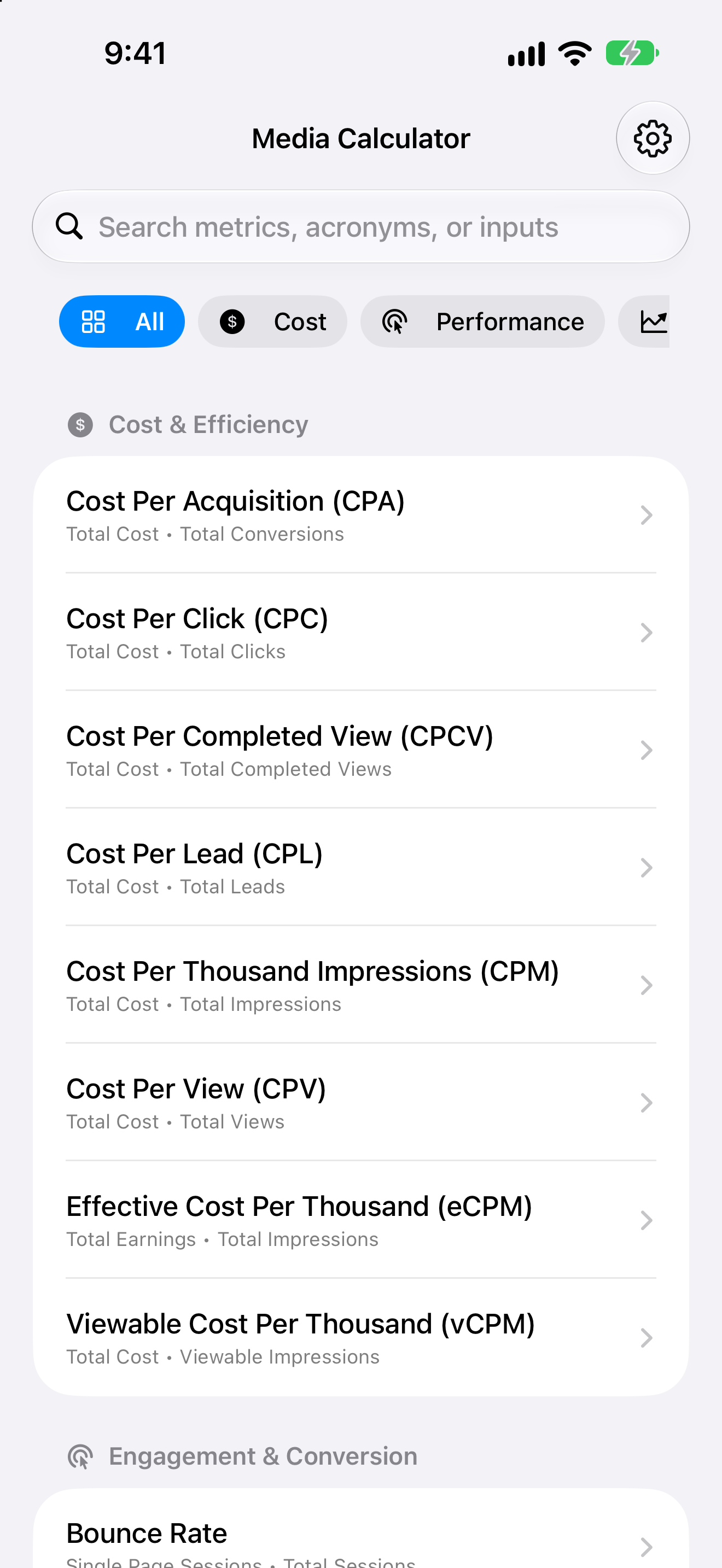
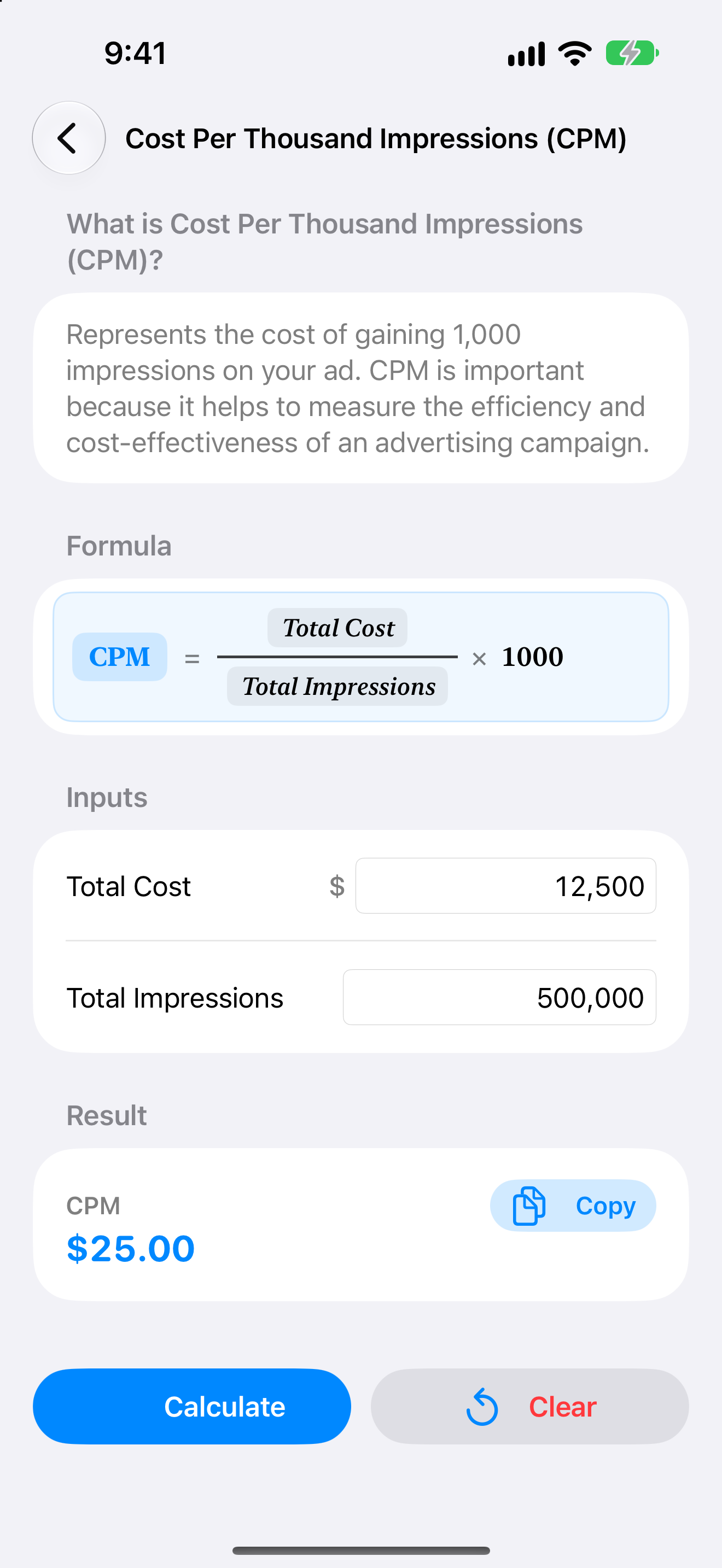
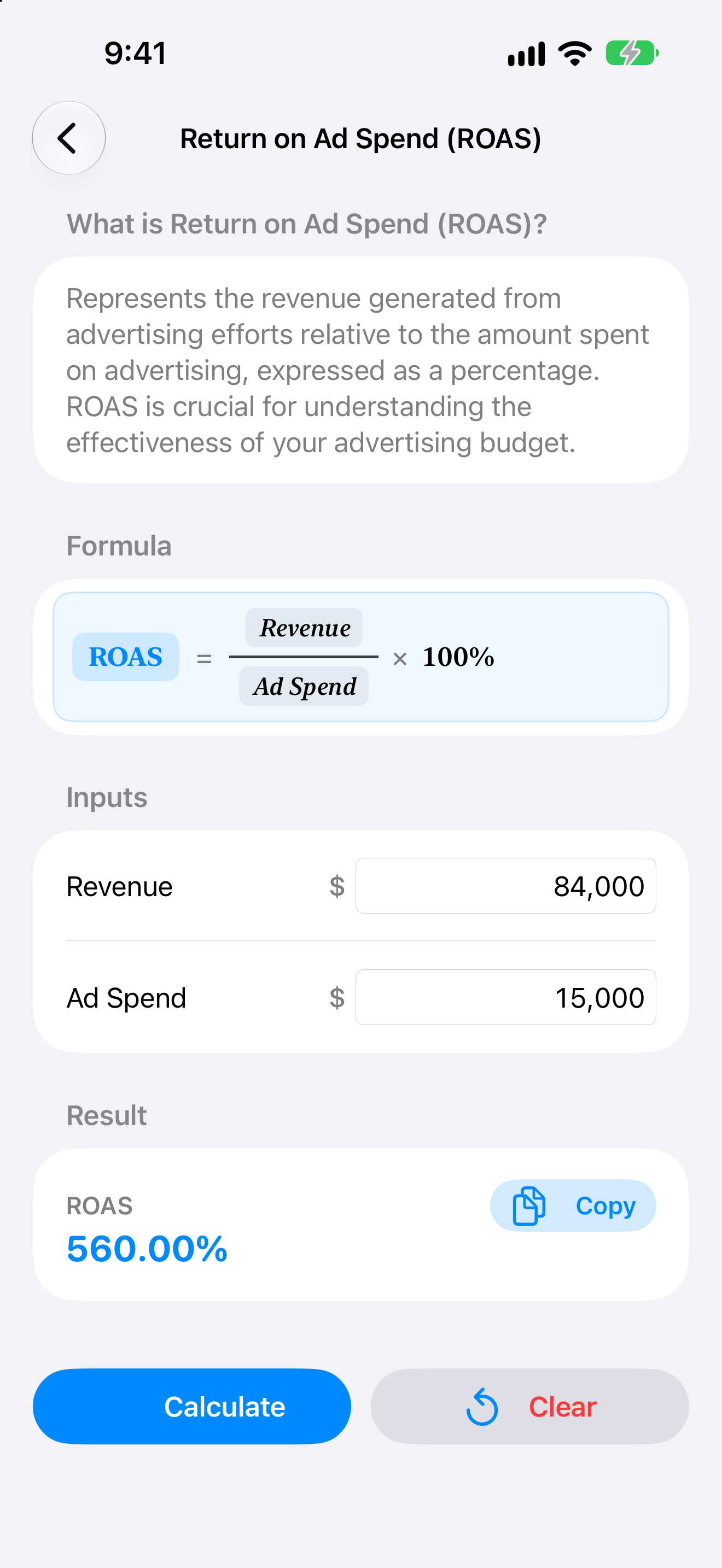
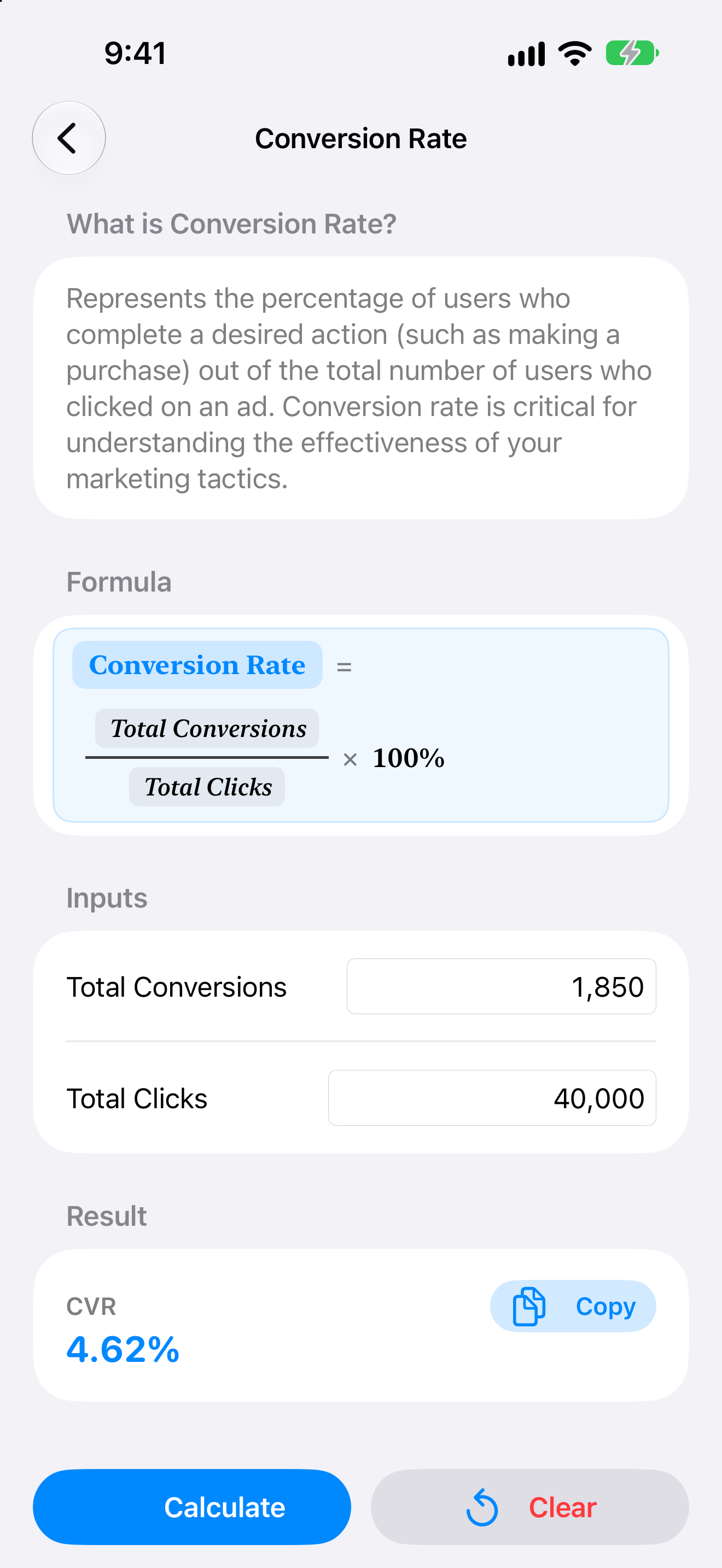
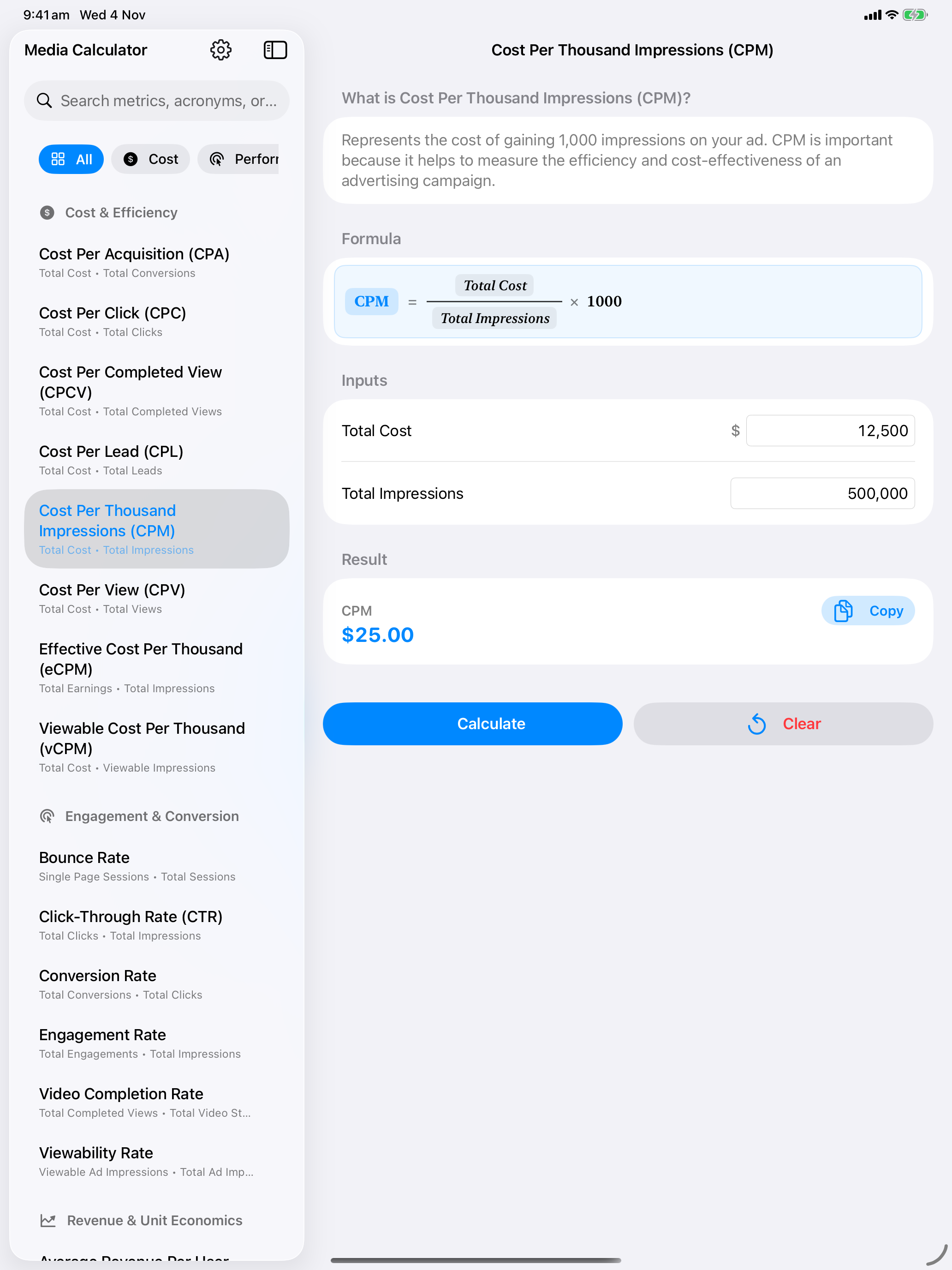
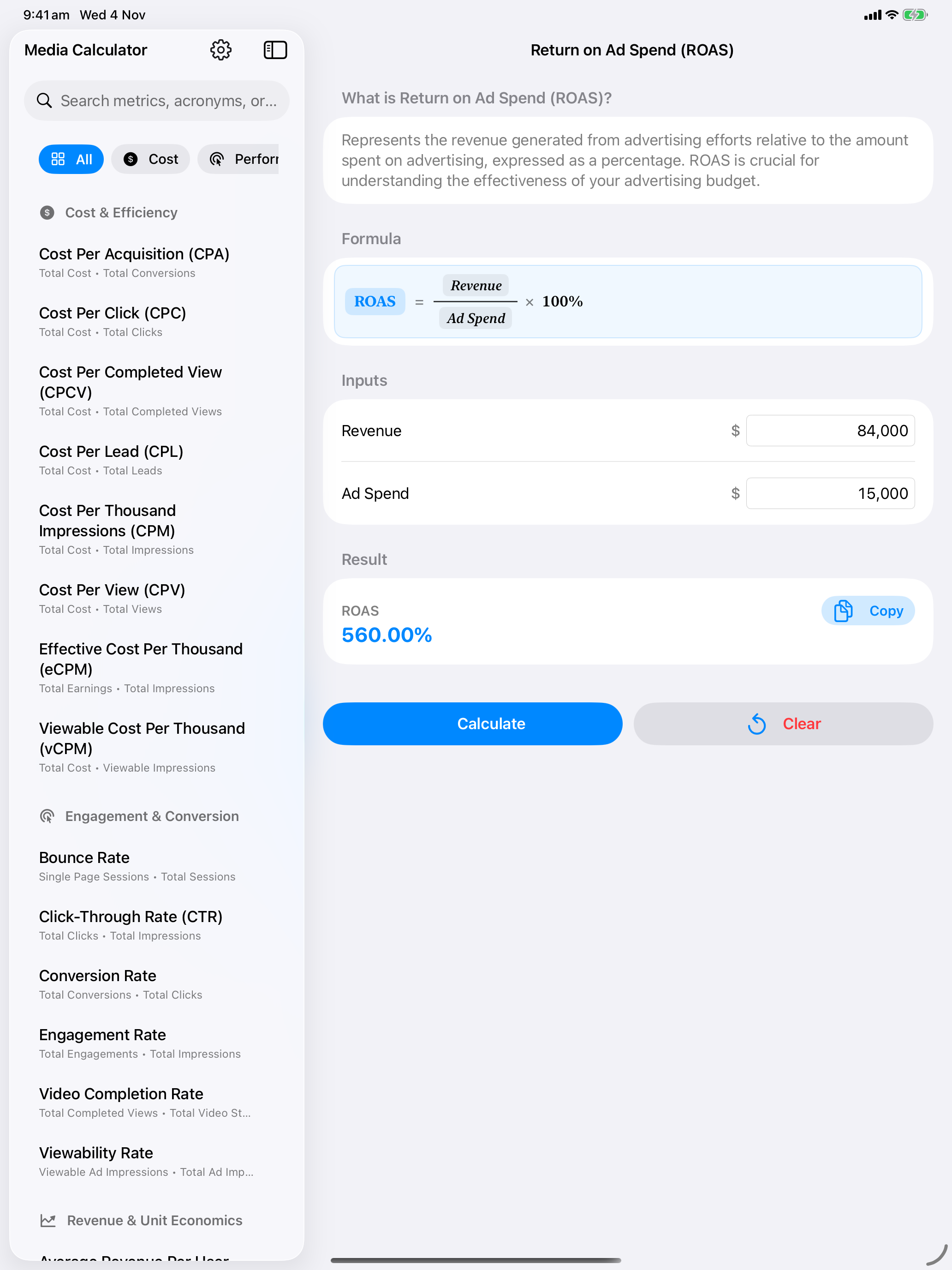
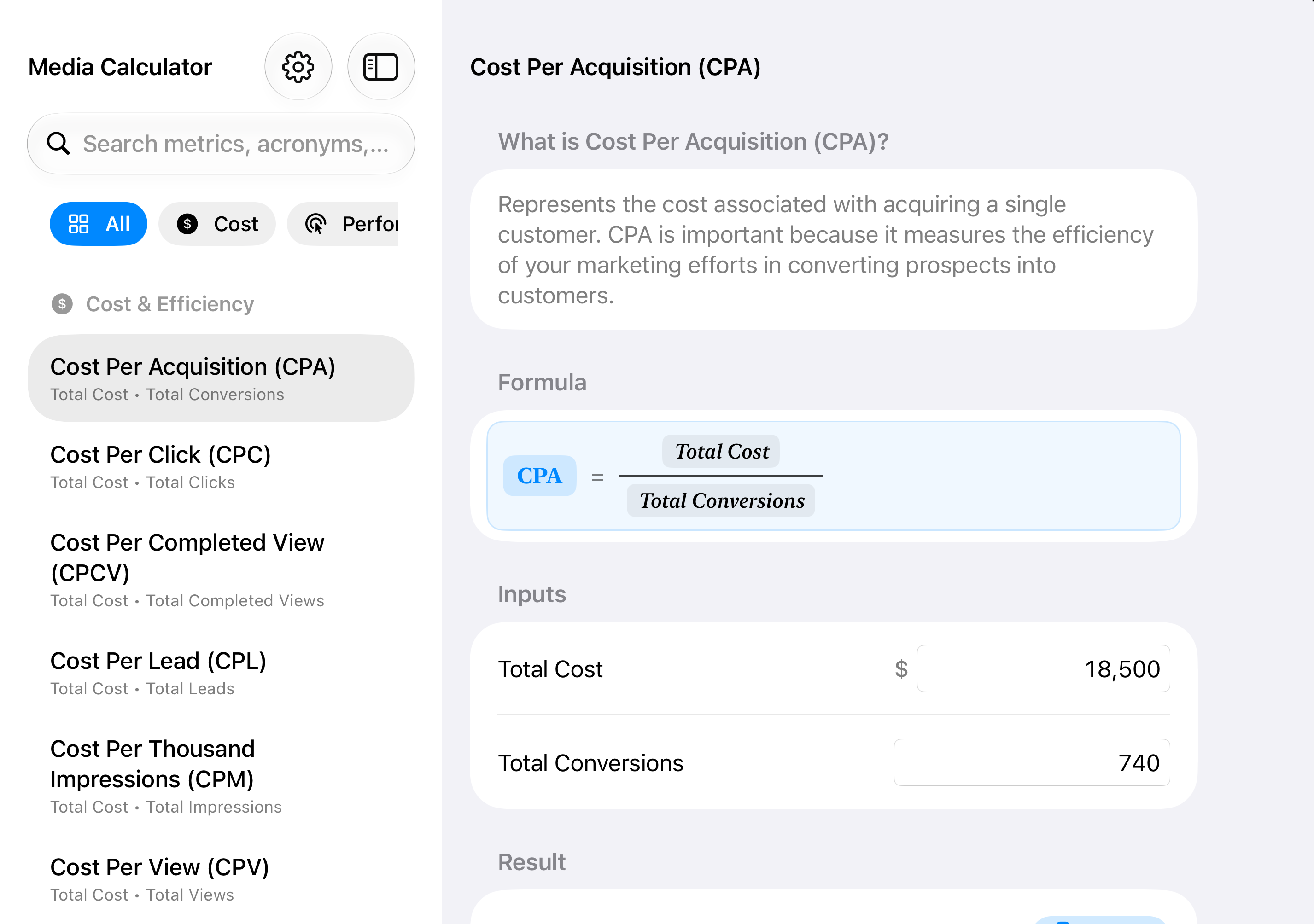
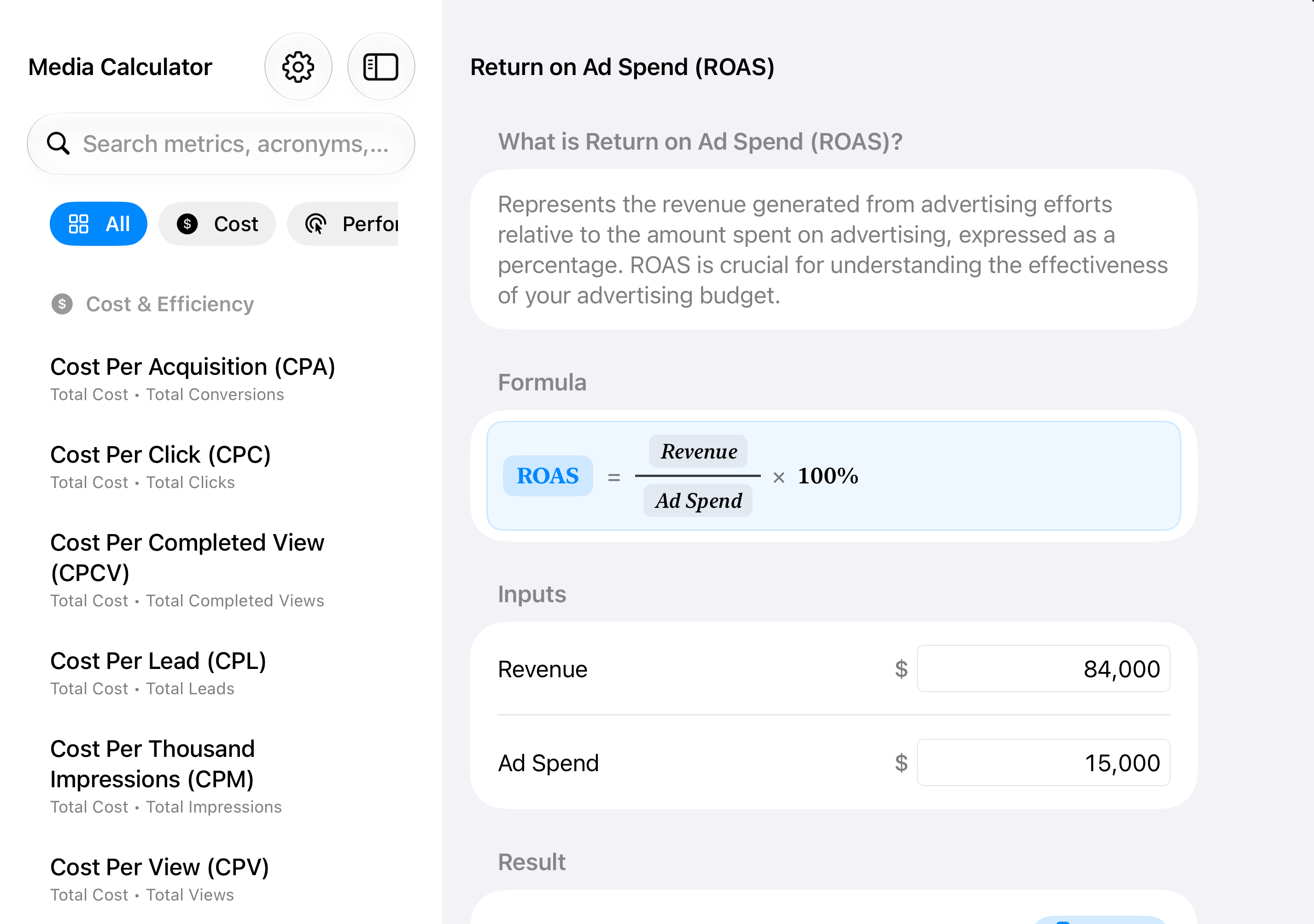
Watch how quickly you can jump between CPM, ROAS, and Conversion Rate with real-time currency and percentage formatting as you type.
Get Media Calculator on the App StoreChoose from Violet, Azure, Mango, Orange, Pink, or Black — each crafted with Light, Dark, and Tinted appearances.
 Violet
 Azure
 Mango
 Orange
 Pink
 Black
Every calculator displays the real algebraic fraction and variable tokens right above your inputs — so junior planners, clients, and students see why a number changed, not just a black-box output.
Need to solve for maximum budget from a target CPM, or required clicks from a conversion goal? Every web calculator page lets you flip the equation to solve for any variable in one click.
Your client budgets and revenue numbers never leave your device. Launch any formula straight from Apple Shortcuts, Spotlight, or web links via media-calculator://calculator/<id>.